AI Image to Video
Upload Image is required.
VIP price 0AI Video Generator — Matching Reference Motion and Style
History
Sign in to see your creations
Everything you generate is kept in My Library.
The Ultimate Full Access AI Image to Video Platform
One dashboard, every leading motion model. Shape intricate motion paths with plain-language prompts, pick a duration and a resolution, and let the engine handle the rest — no rendering queue to manage, no desktop software to install.
 VideoGen 4.1 R2V🌶️🌶️🌶️💗🔥
 VideoGen 4.0 R2V 🌶️💗🔥
 Seedance 2.0 I2V
 Happy Horse 1.0 I2V
How image to video generation works
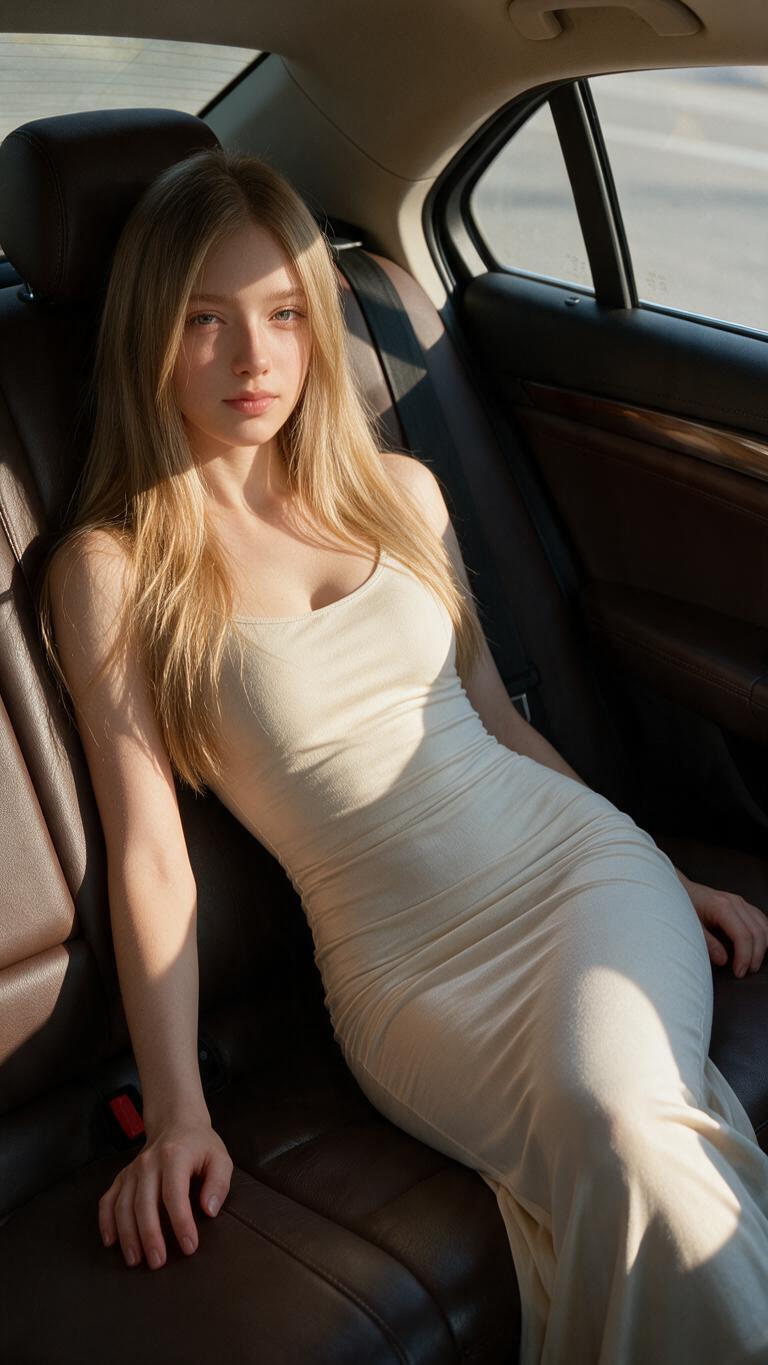
Upload the photo you want to animate. The model reads its composition — where the subject is, how the light falls, what is in front and what is behind — and then generates new frames that move consistently with it.
The prompt is a direction, not a description of the picture. Say what should happen ("she turns toward the camera and smiles", "the camera pushes in past the foreground leaves") rather than restating what is already visible in the frame.
Duration and resolution both change the credit cost, and both are shown before you submit. Short and low first, then re-run the ones worth finishing at full quality — that is the cheapest way to find the shot you actually want.
The most interactive image to video AI for real connection
Delicate gestures, micro-expressions and realistic lighting shifts — authentic movement instead of the generic drifting zoom most tools settle for.
Try AI Photo to VideoStart and end frame in one run
Upload two images and let the engine bridge the gap. The motion between them is generated, not interpolated, so the transition keeps depth and parallax.
Try frame to videoKeep going once the clip lands
Lengthen a finished scene or redirect its motion with a fresh prompt instead of starting the whole shot over.
Try the video extenderStart from words when you have no photo
The same catalogue of motion models also runs text to video, so an idea that arrives without a reference image does not have to wait.
Try AI text to video